1
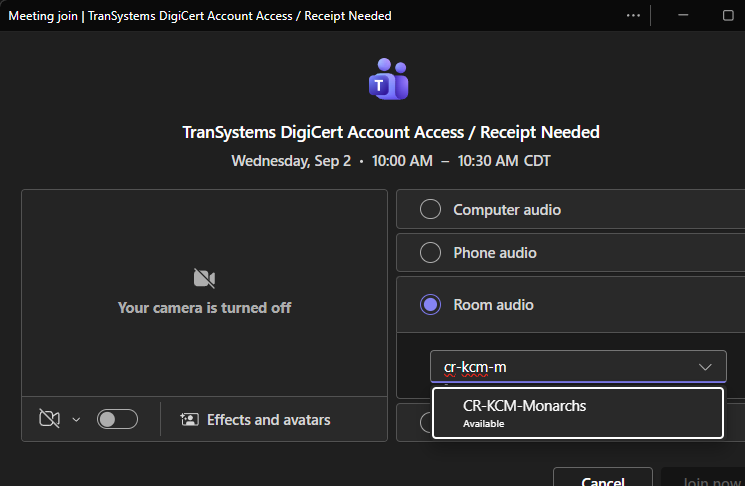
Join from a PC with Room Audio
Preferred. Start the Teams meeting on your PC and use the room system for audio and video.
2
Join with Meeting ID
Use Join with ID on the Desk Pro and enter the Meeting ID and Passcode.
3
Use the Purple Join Button
If the room was invited, use One Button to Push (OBTP) at meeting time.
4
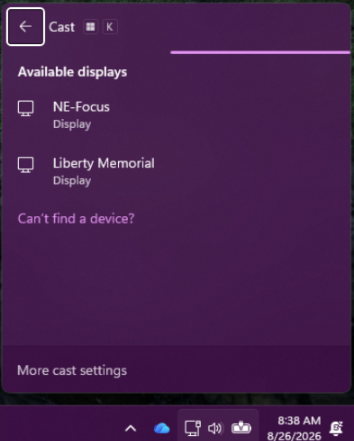
Wireless Screen Sharing
Press Windows + K, then select the Mechanicsburg room you are physically using.
Choose the method that matches how the meeting was created.
The next screens show the steps for each option.